Smooth screen recording
Capture screen video with high frame rates, clear detail, and optional audio modes for tutorials, meetings, and live classes.
Version 1.0.0 recording and editing tools
A focused screen recorder for gameplay, lessons, meetings, tutorials, and quick edits. Capture smooth video, polish it locally, and export crisp media without a complicated workflow.
Features
Screen Recorder - Rec Video combines recording, game capture, editing, and media management into one lightweight mobile workflow.
Capture screen video with high frame rates, clear detail, and optional audio modes for tutorials, meetings, and live classes.
Clip mobile gameplay highlights and arcade runs with crisp playback and share-ready exports.
Combine videos, photos, and media segments into one file for montages or step-by-step guides.
Trim, crop, split, compress, convert to GIF, extract audio, and add text or watermarks before export.
Save HQ and 2K creations at optimal FPS where supported by your device and source media.
Browse, rename, delete, share, save to Photos/Gallery, and protect selected files in a local private vault.
Showcase
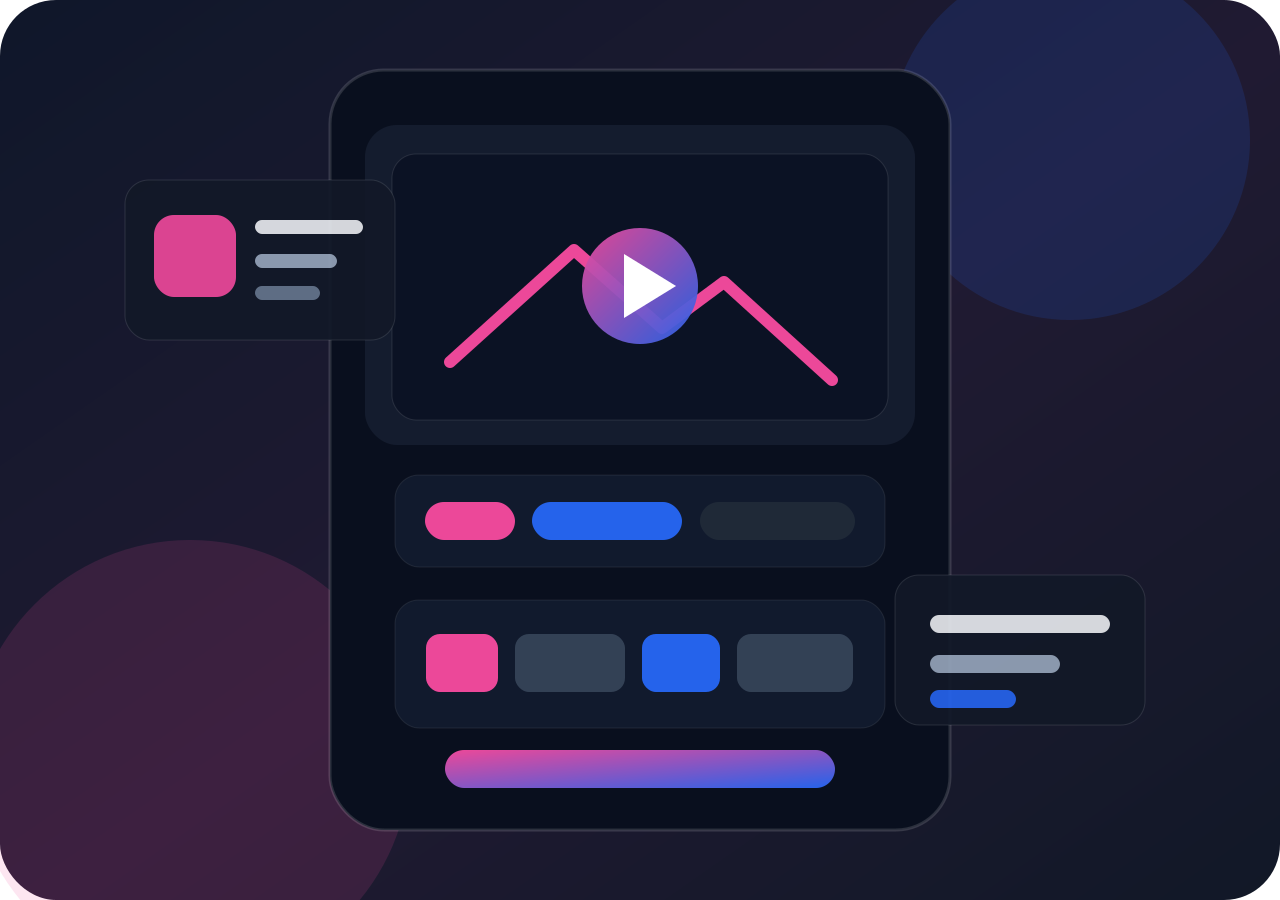
The preview below shows the intended product workflow: record, edit, export, and share. It is a static interface preview, not a live app session.
Start a capture with screen, microphone, system audio, touch display, and optional front-camera overlay when permissions are granted.
Use trimming, crop, split, merge, compression, GIF conversion, and audio extraction tools to prepare the final media.
Save locally, write to Photos/Gallery, share through the system sheet, or keep selected files inside the local private vault.
Save wins, high scores, and highlights into clean clips.
Build tutorials, reactions, demos, and social-ready edits.
Capture lessons, online courses, and walkthroughs.
Record meetings, app demos, presentations, and QA flows.
FAQ
No. The product analysis states that recordings and edited media are processed locally by default and are not automatically uploaded by us.
Recording features may request screen capture, microphone, camera, photo/media access, notifications, foreground service, storage on older Android versions, and biometric access for the private vault.
The app may offer subscriptions or premium services. Android first-version availability and iOS subscription availability can differ by platform release status. Purchase details are shown before confirmation.
Subscriptions are managed by Apple App Store or Google Play. Uninstalling the app does not cancel an active subscription.
Download
Free download from the configured store links. Any premium price, trial, or subscription benefit is displayed in the app before purchase.